From a stream
That progress bar on stream? This is it.
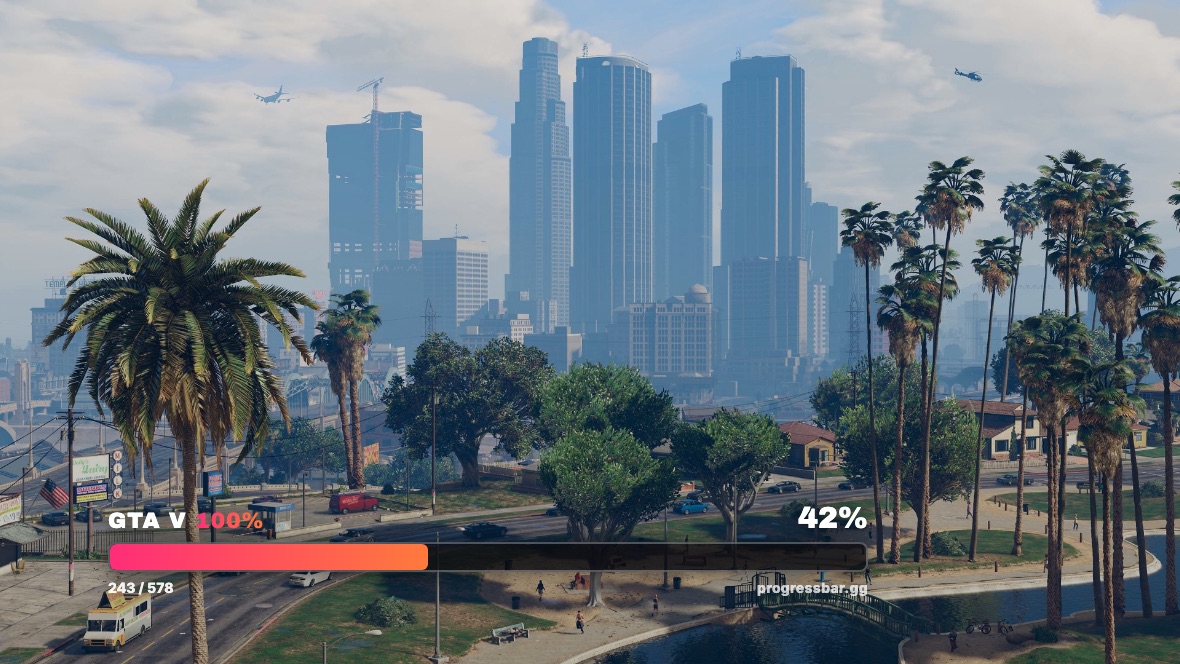
The bar you saw is a streamer's live 100% completion, ticked from a checklist and shown on stream through a free OBS overlay. It is free for viewers too: the same checklist and interactive map for GTA V, Vice City, San Andreas, GTA IV, Red Dead Redemption and Red Dead Redemption 2, no account needed to start.
Track your own run
- GTA V 100% checklist: every mission, stranger, collectible and stunt jump, with the interactive map.
- Red Dead 2 100% checklist: the full list plus a 703 marker collectible map.
- San Andreas and Vice City: gang tags, packages, rampages, jumps, all mapped.
- GTA IV: all 200 pigeons, 50 stunt jumps and Stevie's 30 car thefts, mapped, plus every mission on the checklist.
- Red Dead Redemption: all nine treasures, the gang hideouts, bounty spots and 93 named places, mapped, plus all 57 missions.
Tick from your phone while you play. Sign in with Discord or an email link if you want it synced across devices; otherwise just start.
Put the bar on your own stream
The overlay is one browser source in OBS or Streamlabs, with a live progress bar, a toast when you tick something, and a Nightbot command so chat can ask where you are up to. Setup is on the streamers page and takes about five minutes.
GTA 6 is 68 days out
The GTA 6 checklist goes live the hour the game does, with the same overlay. The GTA 6 hub has everything Rockstar has actually confirmed, checked against the source, and the countdown runs in your timezone.
Questions people ask
Is ProgressBar free?
Yes. The checklists, maps and the stream overlay are free. There is an optional Pro tier for extras, and streamers who use the overlay get it free.
Which streamer was that?
We do not track viewers to streamers. If you want the bar they were using, the streamers page has the same setup they followed.
ProgressBar is an unofficial fan-made tracker. Grand Theft Auto and Red Dead Redemption are trademarks of Take-Two Interactive. Game artwork on this site is credited in the attribution file linked in the footer.